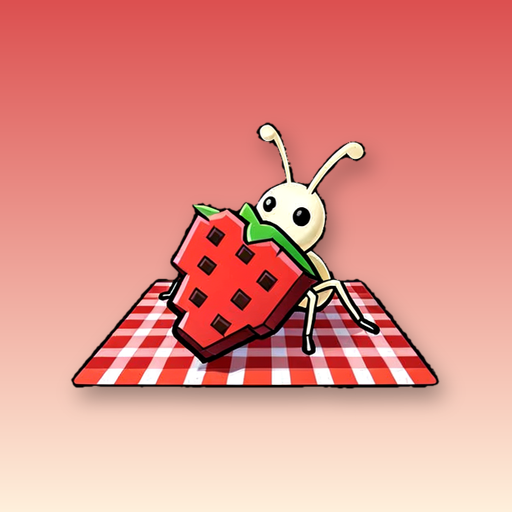
Hungry swarms, pixel pictures.
Spread the blanket, call the ants and watch a cozy picture appear one bite at a time.

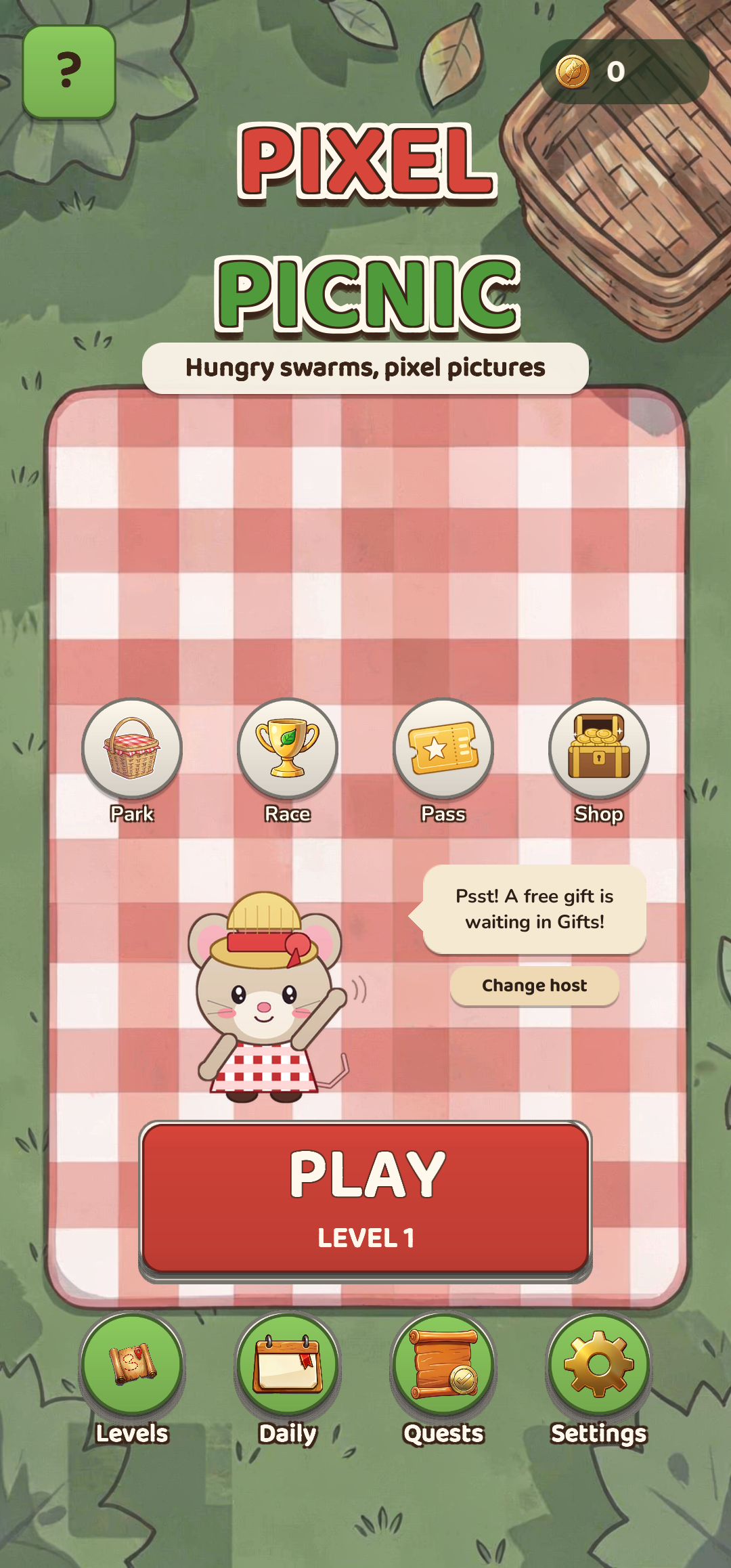
Pixel Picnic is a cozy colour-sorting puzzle on a picnic blanket. Hungry swarms of ants and other bugs eat a pixel picture, one colour at a time.
Slots are limited, so plan the order. Every level is checked by a solver, so it can always be finished.
Spend your stars to dress up Picnic Park and fill the Creature Album with rare bug colours.
Hand-drawn pictures that appear as the swarms eat.
Beetles, bees, moths, jelly and snails arrive gently, each in a tutorial level.
Dress up Sunny Meadow, Lakeside, Flower Garden, Beach and Autumn Forest.
Collect rare colour variants and unlock costumes and plates.
Daily levels, a weekly race against Buzz the bumblebee and a monthly pass.
No lives and no timers. Works offline.
A friendly mouse host in a straw hat.
A cheerful bear host.
A bumblebee who races you every week.
A pixel picture sits on the blanket, hidden under layers.
Send a swarm to a slot. It eats every uncovered cell of its colour.
Slots are limited. A swarm with nothing to eat holds its place, so plan the order.
Beetles need two slots, bees carry a key, and moths hide their colour.
Blanket, Lantern, Lane Swap, Net and Rain Shower can all help.
Stars reward skill. Spend them to dress up Picnic Park.
Daily Picnic, quests, the weekly race and the monthly pass.

A relaxing word puzzle game: connect letters, fill crosswords, unwind.
View game
A cozy moonlit garden that keeps growing while you are away.
View game
Place one cat per row, column and blanket. Cats never touch.
View game
Adopt a pet rabbit, then feed, wash and play together in a cozy burrow.
View game
Style a heroine for themed challenges and get scored on your look.
View game
Tap arrows to slide them off the board in the right order.
View gameWrite to support@zamverse.com or read the support page. Your data: Privacy Policy · Data deletion.